
Useful Software
Sunday, 3 May 2026, 6:35 PM
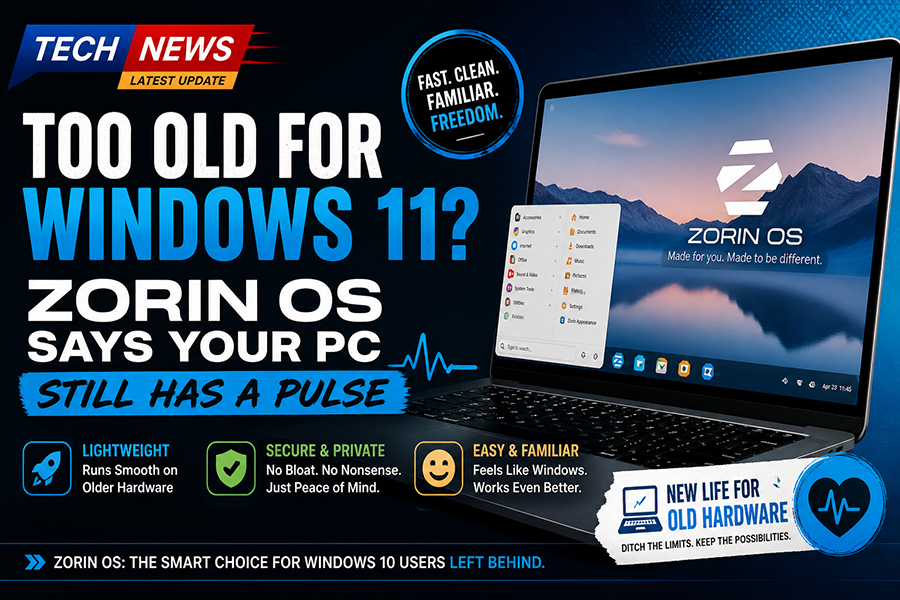
Too Old for Windows 11? Zorin OS Says Your PC Still Has a Pulse

<p>If you’ve spent the last few months watching your perfectly functional Windows 10 machine get side-eyed by Microsoft like it just showed up to a black-tie event in sweatpants, then congratulations, you’re exactly the audience Zorin OS has been quietly courting. And honestly, it’s doing a pretty good job of it.</p><p>Let’s start with the obvious: Windows 11. Microsoft decided that your computer needs to pass a hardware audition to join the cool kids club. TPM 2.0, Secure Boot, a CPU that wasn’t around during the invention of sliced bread… you know, totally reasonable requirements for people who just want to check email and occasionally yell at Excel. So now millions of perfectly usable PCs are being told, “Sorry, you’re vintage now.” Enter Zorin OS, sliding in like, “Hey… you still work? Cool, let’s hang out.”</p><p>Zorin OS is built on Linux, which immediately scares about 80 percent of Windows users who still think Linux requires chanting in a terminal and sacrificing a USB drive under a full moon. But here’s the twist: Zorin doesn’t look or feel like Linux. It looks suspiciously like Windows. On purpose. Not “inspired by,” not “loosely similar,” but “we know exactly what you’re used to, and we’re not here to ruin your day.”</p><p>The desktop layout is clean, familiar, and dare I say… comforting. Start menu? Check. Taskbar? Yep. Click things and they open? Revolutionary, I know. It’s like someone took Windows, removed the bloat, the nagging, the “please sign into 14 different services” popups, and said, “What if we just… didn’t do all that?”</p><p>And that’s really where Zorin OS is winning people over. It respects your time and your hardware. You install it, and it runs smoothly on machines that Windows 11 would laugh at before slamming the door. Old laptops that sounded like jet engines under Windows suddenly become quiet, usable, and dare I say… pleasant. It’s the digital equivalent of giving your PC a second life instead of sending it to the great recycling bin in the sky.</p><p>Another big reason for its growing popularity is how beginner-friendly it is. Zorin doesn’t throw you into the deep end of Linux and say “good luck.” It gently holds your hand and says, “See? You click here. Things work. Nobody is judging you.” It even has built-in layouts that mimic Windows or macOS, which is both incredibly helpful and slightly hilarious. It’s like an operating system with a personality that says, “I can be whoever you want me to be.”</p><p>Software support, the usual Linux complaint, has also come a long way. Between native apps, compatibility layers, and a surprisingly robust app store, most users will find everything they need. And for the average “I browse the web, watch videos, and occasionally pretend to be productive” user, it’s more than enough. Plus, no random forced updates restarting your system at the worst possible moment. Imagine that.</p><p>Of course, it’s not perfect. If you rely heavily on very specific Windows-only software, you might run into some friction. And yes, under the hood, it’s still Linux, which means if you go looking for trouble, you will absolutely find it. But the key point here is you don’t have to go looking. Zorin OS lets you stay in the shallow end and just… use your computer.</p><p>So why is Zorin OS gaining traction among stranded Windows 10 users? Simple. It solves a problem without creating five new ones. It gives people a way to keep using their existing hardware, avoids the increasingly heavy-handed ecosystem of modern Windows, and does it all without requiring a computer science degree.</p><p>In a world where your operating system increasingly feels like it owns you, Zorin OS is refreshingly chill. It doesn’t nag, it doesn’t judge, and it definitely doesn’t tell your perfectly good PC that it’s too old to matter.</p><p>And honestly, that alone might be its biggest selling point.</p><p>
<br></p>

Comments 0
