
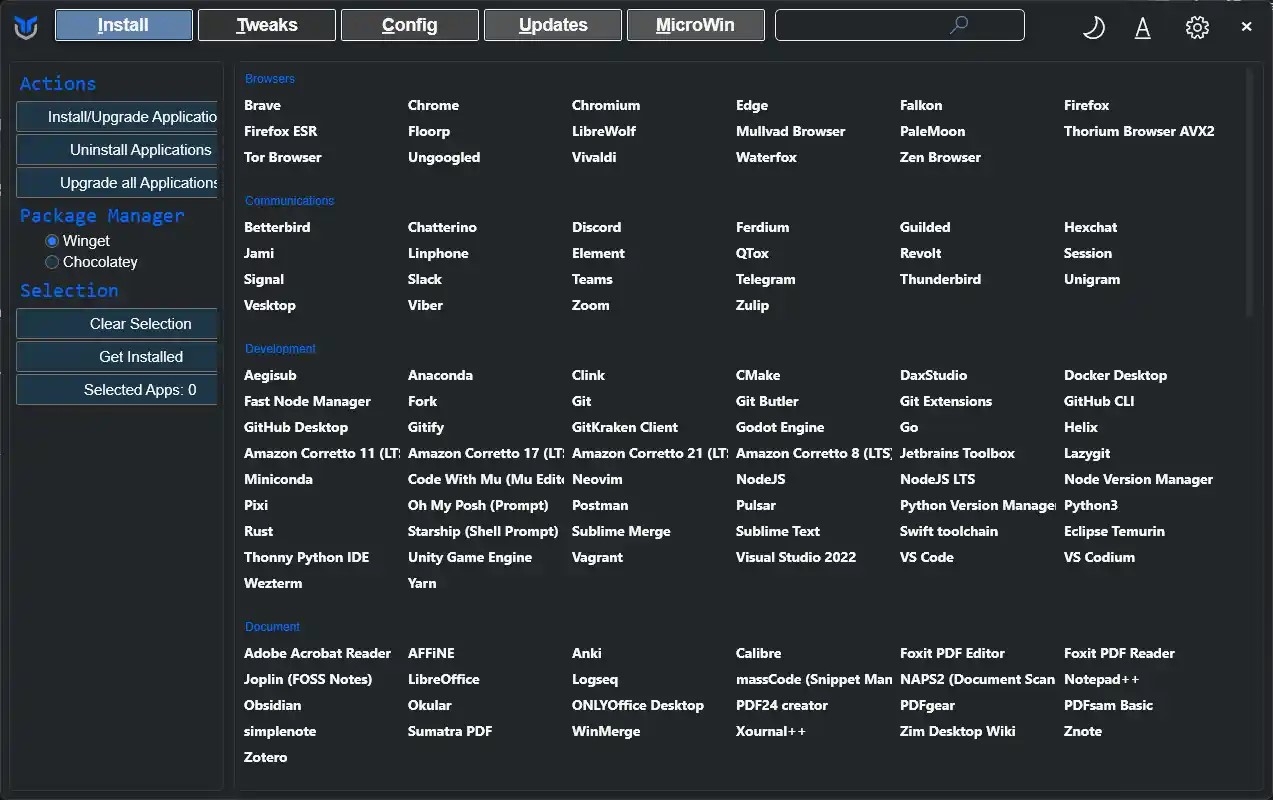

Windows is a lot like that one friend who shows up to your housewarming party with three bags of chips, six board games you didn’t ask for, and somehow rearranges your furniture while you’re not looking. Useful, sure, but… a little much. That’s where Chris Titus Tech Utility steps in. It’s the digital equivalent of politely (but firmly) telling Windows, “Thanks, but no thanks. Let’s keep this simple.”
The Pros (a.k.a. Why You’ll Probably Love It)
1. One-Click De-Bloat:
Windows is famous for its “extras” — the apps you never asked for and the features you’ll never touch. The Titus Utility makes sweeping them out as easy as checking a few boxes. Goodbye Candy Crush, hello clean desktop.
2. Speed Without Snake Oil:
Unlike some “optimization” tools that promise the moon and deliver malware, this utility actually sticks to the basics: trimming startup programs, tweaking services, and tightening privacy settings. The result? A snappier machine without the mystery magic dust.
3. Customization Buffet:
Want Windows to look like Linux? Prefer a minimalist vibe? Or maybe you just want dark mode everywhere? The utility serves up a buffet of tweaks, all with clear explanations so you’re not blindly pressing buttons.
4. Open-Source Credibility:
It’s not just some shady executable from who-knows-where. The code lives on GitHub, so if you’re the curious type, you can peek under the hood. Transparency always earns bonus points.
The Cons (because nothing’s perfect)
1. A Bit of Overwhelm:
With great power comes… a lot of checkboxes. Beginners might feel like they’ve stumbled into the cockpit of a 747. While everything is explained pretty well, it’s still possible to click your way into a setting you didn’t really want.
2. “Advanced User” Territory:
This tool doesn’t hold your hand — and that’s by design. It assumes you’re okay with tinkering, and if something breaks, you’re resourceful enough to fix it. For the truly cautious, that can be a little intimidating.
3. Windows Updates Still Exist:
Let’s be honest: no amount of tweaking will save you from the occasional Microsoft update that decides to reinvent your settings. The utility helps, but it’s not a permanent shield.
Final Verdict
The Chris Titus Tech Utility is like having a wise, slightly sarcastic friend walk you through making Windows less annoying. It’s not a silver bullet, but it does more in five minutes than most people manage in five years of half-hearted tweaking.
If you’re comfortable with a bit of DIY spirit — and you like your operating system to work for you rather than against you — this is a tool worth keeping in your digital toolbox.
At the end of the day, Windows may never be perfect, but with a little help from Chris Titus, it can at least stop acting like that overbearing roommate. If you’ve ever wished your PC would just chill out and do its job, this utility might be the reset button you’ve been waiting for. And the best part? It’s free — which is a lot more than you can say for half the bloat it removes. You can get the utility as well as more information @ https://christitus.com/windows-tool/
